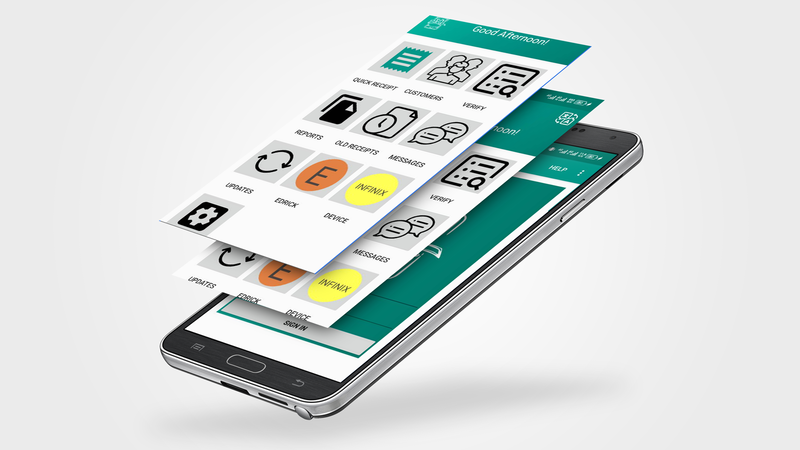
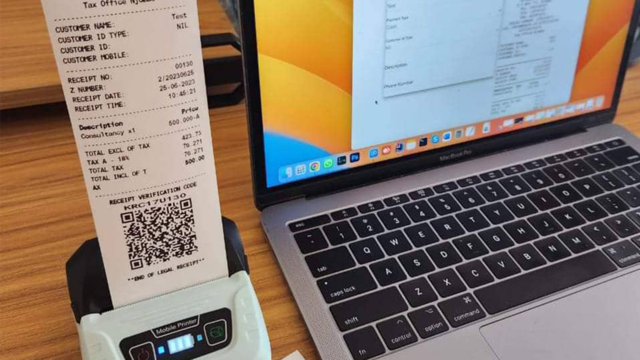

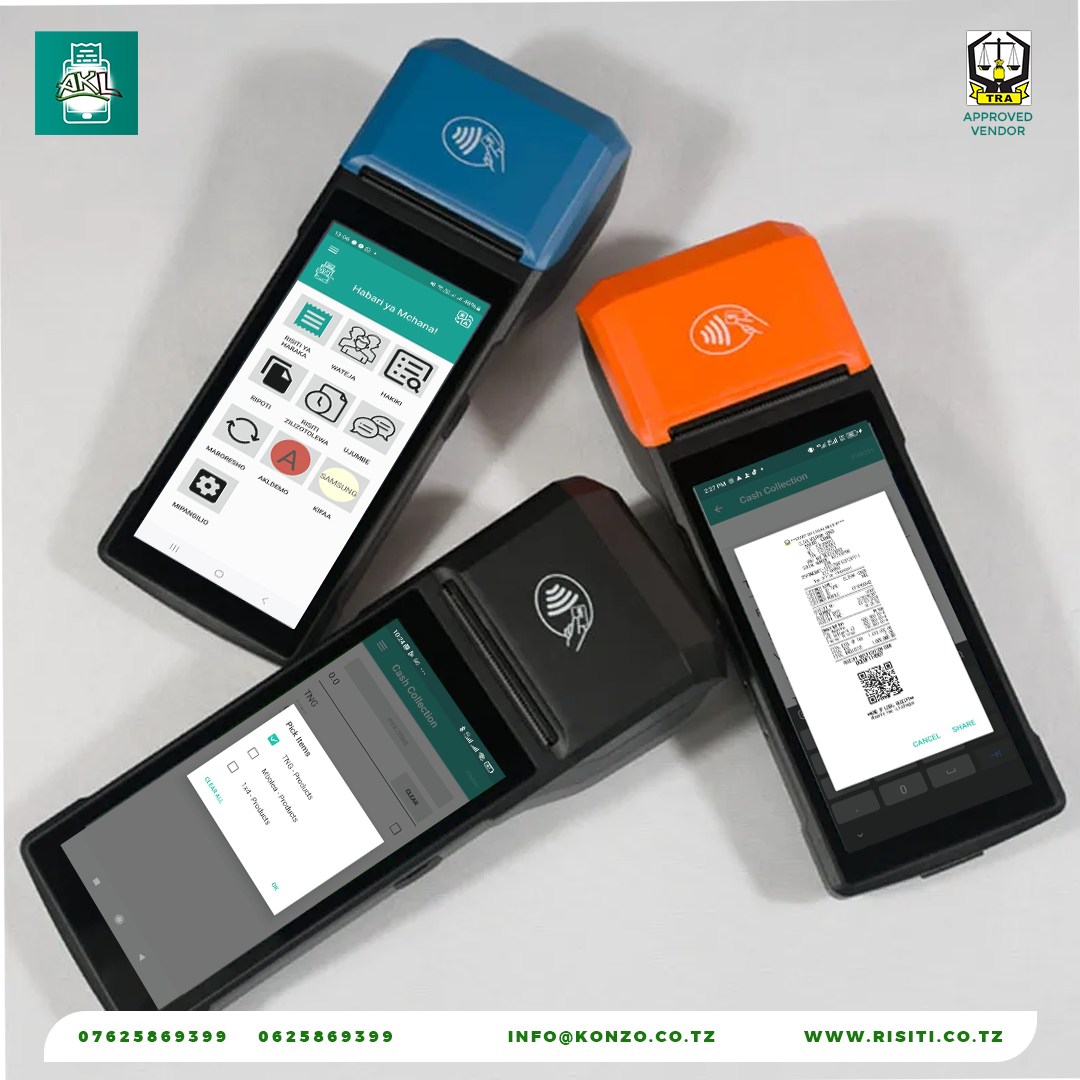

V-EFD Smart Receipt
A multi-platform V-EFD solution from a TRA approved vendor




Featured Products
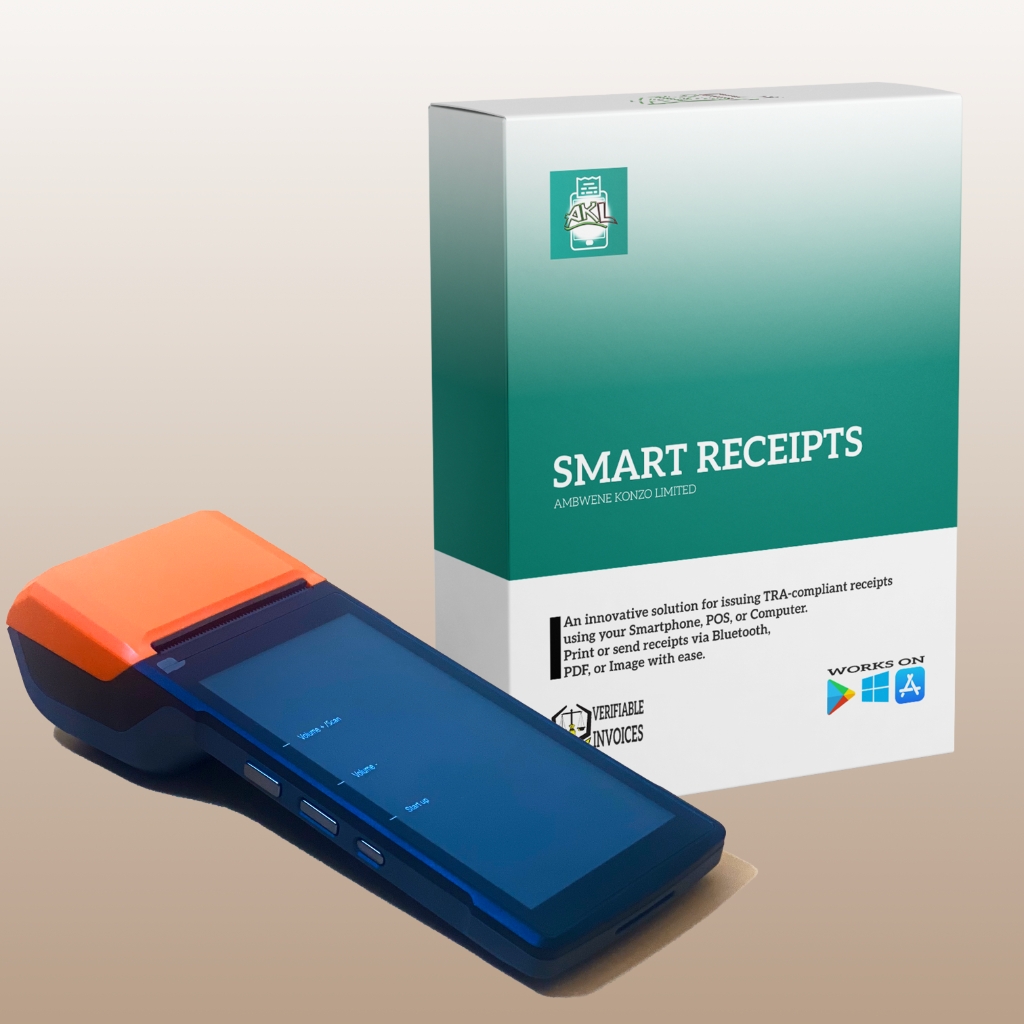
POS Machine, VEFD 1 Year & Setup
A complete package including a modern Android POS with a built-in thermal printer and our V-EFD solutions. Ideal for seamless receipt generation and payment management.
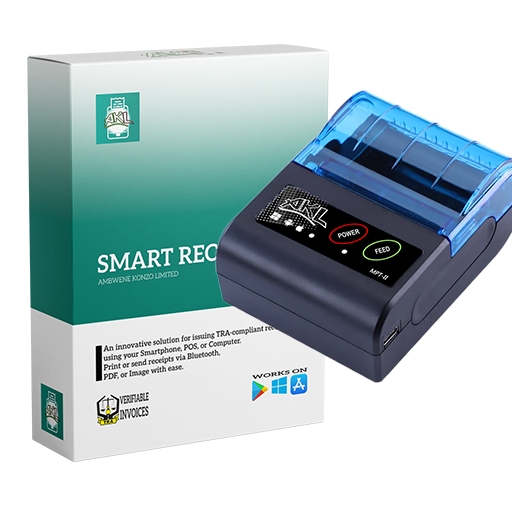
Thermal Printer, VEFD 1 Year & Setup
Bundle includes an external thermal printer compatible with PC or mobile apps and preconfigured V-EFD solutions to simplify receipt printing.
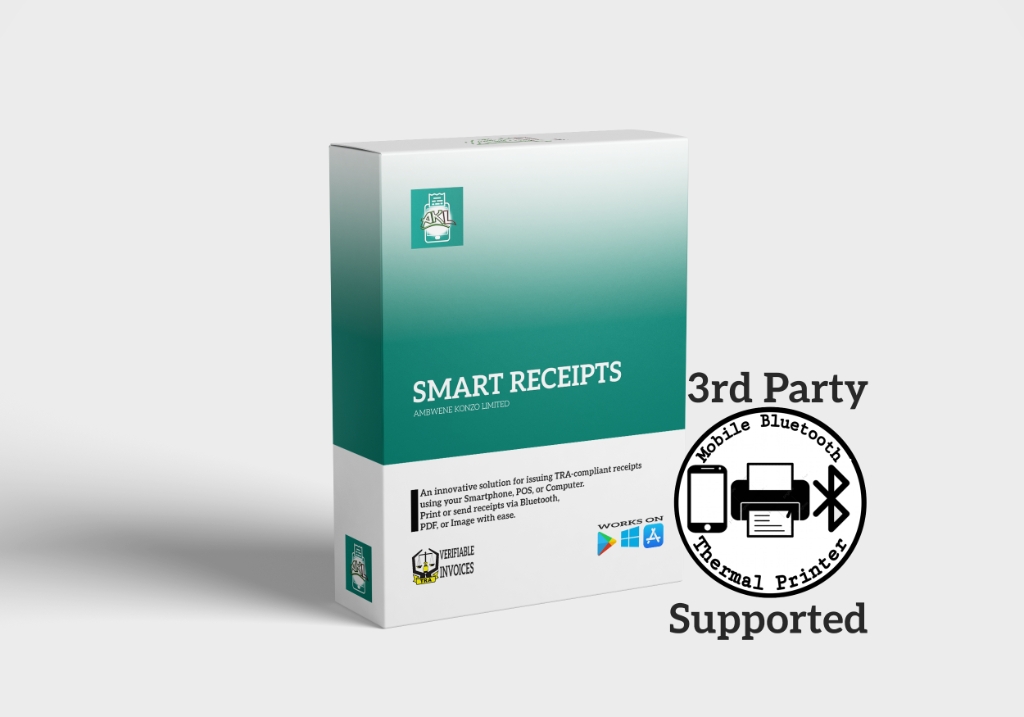
Thermal Support, VEFD 1 Year & Setup
Get full software support for your existing thermal printer or POS device using our V-EFD solutions. Compatible with devices purchased elsewhere.
VEFD 1 Year & Setup
A flexible solution for generating and sharing TRA-compliant receipts using Android, iOS, Windows, or the Web. Configured to work seamlessly on one device.
About Risiti
VFD Smart Receipt is a TRA-approved solution that allows businesses to issue compliant receipts using smartphones, computers, or POS machines. Join 10,000+ businesses issuing legal receipts since 2021.
Easy to Use
Simple interface for generating receipts quickly
TRA Compliant
Approved by Tanzania Revenue Authority
Multi-Platform
Works on Android, iOS, Windows, and Web
Secure & Reliable
Your data is safe with enterprise-grade security
Help Center
Find answers to common questions about our VFD services
Self Registration
Register your business account independently. After registration, you can configure your devices instantly to start issuing TRA-compliant receipts.
Learn MoreForgot Password
Lost access to your account? Reset your password securely. Enter your registered email on the password reset page to receive recovery instructions.
Learn MoreHow to Add Sources / Sales Items
To add sources or sales items, log in to your account and navigate to Sources. Click the + (plus) icon to create a new source. Note: On some client devices, you may need to wait or sync for new items to appear in your POS.
Learn MoreAdding Agents
Administrators can add agents directly from the Agents page. New agents can also self-register and request association to your company. Simply share the registration link with them, and once registered, an existing administrator can link them to your business.
Learn MoreChanging Devices
Users cannot log in with just a username and password on new devices due to device restrictions. If your device changes, contact your administrator for access. Agents must have their device configured before they can log in.
Learn More